
Job Posting SOP
In order to optimise visibility for job postings in Google for jobs, which is this location:
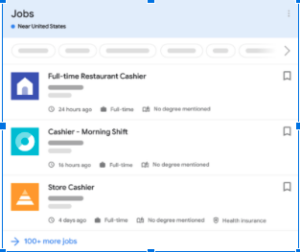
You need to correctly apply Job Schema.
There is a schema generator we use which can be found here: https://technicalseo.com/tools/schema-markup-generator/
You will need to select the drop-down, scroll down and select job postings where you will see this page.
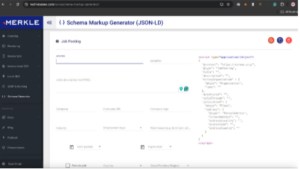
You will need to then proceed and fill out all fields as best as best as possible, providing as much information about the role which is beneficial for the user and therefore beneficial for Google and beneficial in allowing us to rank high in job postings.
All information about the role will need to be published in the description field:

This will involve doubling up on some bits as you go further down the form but the reason we do this is that everything in the job description field is what Google will present to the searcher.
Once fully filled out you will copy the code and test it in rich results tool:
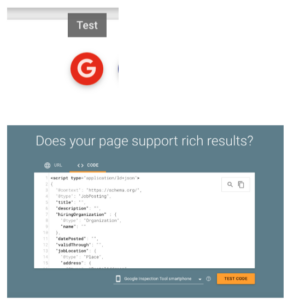
Google will then return whether the schema has been generated correctly and would qualify for job posting schema.
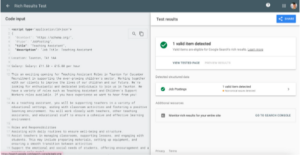
You will know it has passed by the green tick.
Take the copied code and post it high up the page as it will allow. Select the text option right to visual, this is the backend and won’t be visible on the page.
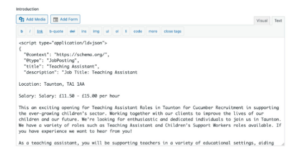
Once this is done and the page has all the necessary content and has been formatted correctly then you can publish/update the page.
Here is a resource produced and maintained by Googlex with all qualifying fields and what information should be present in them along with the structure of the markup.
https://developers.google.com/search/docs/appearance/structured-data/job-posting