
Finding Google Ads Spend by Day/Week/Month SOP
This document is designed to give a clear understanding of the process and importance of locating the amount an ad account has spent in a certain time period.
Step One:
Login to Google Ads platform: https://ads.google.com/intl/en_uk/home/
Logins with access include the reporting@ email, you will find this in Lastpass.

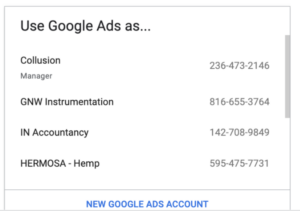
You will be taken to our account page, the majority of our accounts sit under the ‘Collusion’ tab.
Step Two
You will then be taken to our account homepage which looks like this:
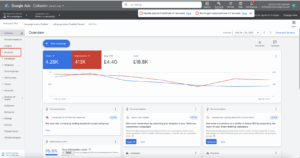
Highlighted in the left-hand menu is the ‘Accounts’ tab, this is what you want to press next to view the top layer of accounts before finding the specifics.
Step Three
You can see the overall performance of our accounts on this page:
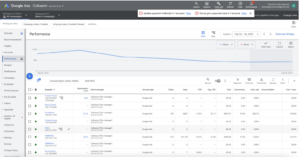
(If you wish to see accounts at a more granular level eg seeing how a particular campaign has performed you would click into the chosen account and be able to scroll through the campaigns again from that left hand menu.)
Step Four
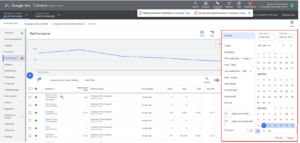
Change the time-frame in the right hand corner according to the period you are looking for eg Mon-Sun or Jan1st-Jan31st:
Step Five
Once you have selected your chosen time period you can then view the spend in the ‘Cost’ column highlighted below:
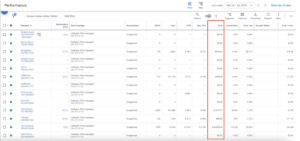
The ‘total’ spend of all our PPC accounts can then be found at the bottom of this page.
Budgets and how much each account should be spending monthly can be found in this document.