
Shopify Store GSC Verification SOP
Add a URL-prefix property in GSC
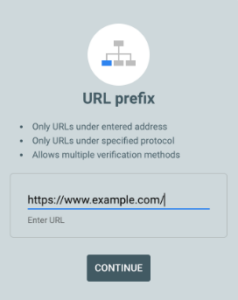
- Go to Google Search Console → Add property → choose URL prefix.
- Enter the exact store URL (include https:// and whether you use www or not — it must match the live site).
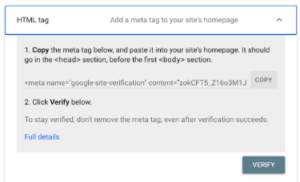
Choose the HTML tag verification method and copy the meta tag Google gives you.
Open Shopify theme code (published theme)
- Log in to Shopify Admin → Online Store → Themes.
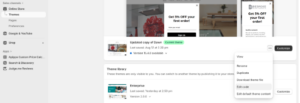
- For the published (live) theme, click Actions → Edit code.
Locate the <head> in the theme
- In the file list open layout/theme.liquid (or theme.liquid under Layouts).
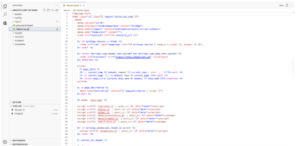
Paste the meta tag
- Insert the HTML tag inside the <head> section and before the closing </head> tag.
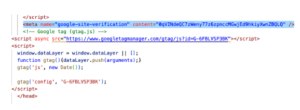
Save the file
- Click Save in the Shopify code editor.
Confirm the tag is live
- Open your store homepage (the exact URL you added in GSC).
- Right-click → View page source (or Inspect → Elements) and search for google-site-verification.
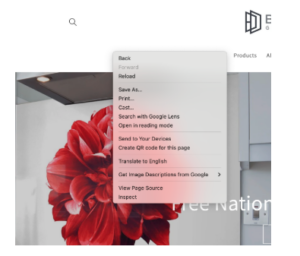
- You should see the meta tag in the page <head>. If not, you edited an unpublished theme or the wrong file — go back and correct that.

Verify in Google Search Console
- Return to GSC and click Verify for the URL-prefix property.
- If GSC confirms ownership, you’re done with verification.